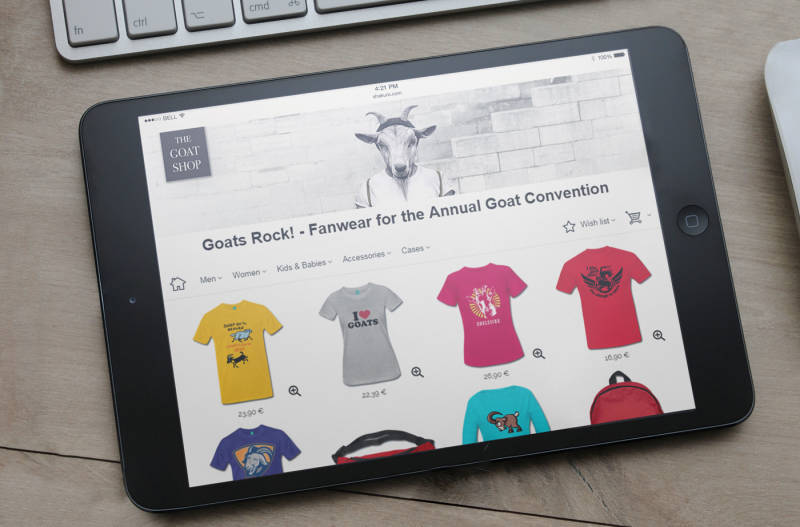
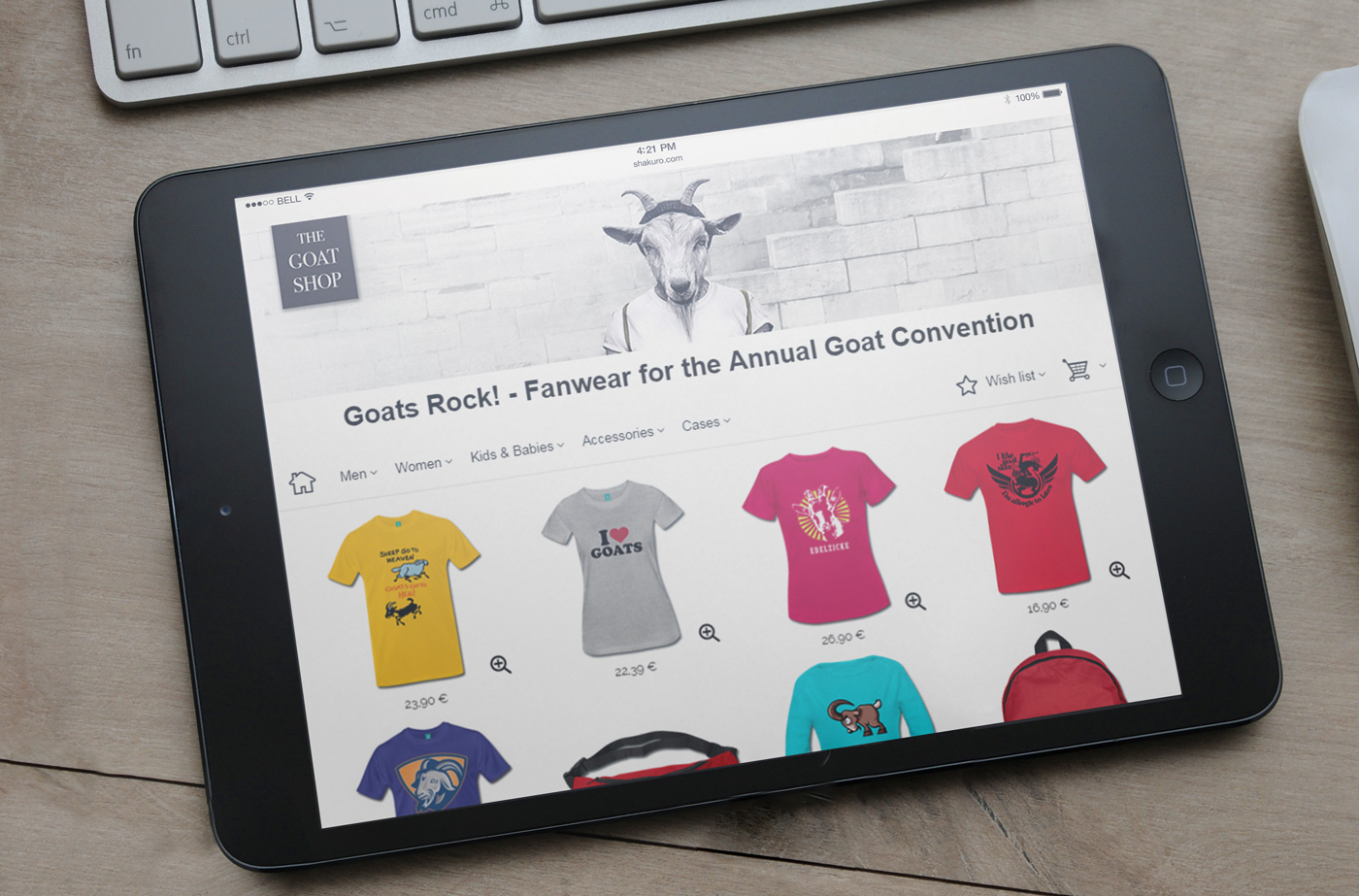
The new Partner Shop at Spreadshirt is called SpreadShop, and you’ve been able to avail yourself of its advantages for quite some time now. What’s better? A modernised layout, faster loading times, optimised for mobile devices as well as a simplified checkout procedure that leads to more sales conversion. Now we have added a few other featuress that Partners like you have asked for, find out what these are in this blog post.
Easy admin control
Changing your SpreadShop settings is now super easy and straight forward. All you need to do is go to your Shop settings > SpreadShop. Next to the most important facts about the new Spreadshop, you can find a neatly arranged menu here that allows you to access all of your SpreadShop settings, from the Shop name to the layout and the HTML or CSS settings.
Automatic product creation
This long desired feature is available as of now! In the user area, go to Shop settings > SpreadShop > Views > Products with designs. Here you can decide whether you want to offer a design on all products or only certain product categories. The latter comes in handy when e.g. offering adult designs that would not appropriate for kids and baby products. “Automatic product generation” will help you save time creating a broad product assortment for your customers.
More colour schemes
Change your Shop colours to make it more appealing, and check out the new colour templates. Next to the standard colours, there are now a further six colour templates called Crème, Fresh, Summer, Metallic and Neon. These templates have been designed to match the background colour with the menu bar and footer. Try ’em out!
Sensible menu structure
An important piece of news: designs and products could so far be accessed and sorted in the menu item “Designs & products”. If you want to arrange your assortment now, you need to go through your Shop settings.
More support
Any questions? Check out the FAQ area where the most common questions have already been addressed. IT fiends and skilled programmers can exchange ideas on our Developer Blog as well. Here you’ll also receive updates and new features you can expect in the near future. Last but not least we highly recommend checking out the User Voice Forum – it’s a great place to give feedback and exchange ideas with other SpreadShop users.
We hope you like the SpreadShop updates and look forward to your feedback. What are your first experiences with the new Shop version, and what can we still improve on? Please comment below.


Hello Wayne,
did you try it in your User Account in the Shop Settings => Settings => Switch to the New Shop => “Check out the preview of your SpreadShop.”? This should works.
Kind regards,
Leila from Spreadshirt
I’d like to check out how the new shop looks before changing to it – but the preview does not seem to work.
How can I see and try the new shop format.