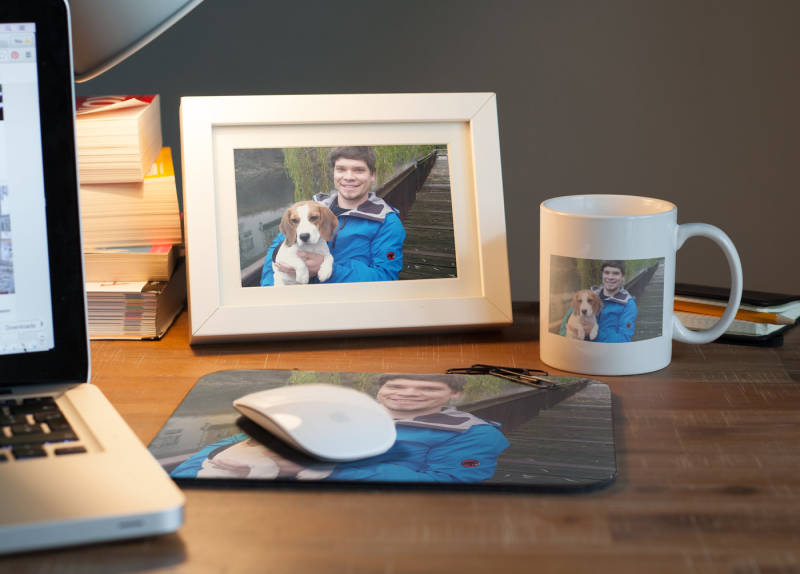
We recently shed light on how to take pretty pictures with your smartphone, and now we want share a few editing tips with you to get the best out of your photos. Lend a sparkle of magic to your images to create truly memorable gifts. Luckily it ain’t rocket science, so take a look after the jump!
Of course, there isn’t a smartphone that comes without a camera these days, which is great news. Better news still is that the editing software on your phone (or the free stuff in the App Store) gives you a chance to get the photos up to scratch before going to print. Check out a few simple things you can do to adjust your pics – it’ll defo be worth it:
Trim and crop

If your model is surrounded by superfluous elements, crop the photo to get rid of anything that’s of no use to feature the actual subject. If there are too many elements to remove, try changing the format. Maybe the original landscape format makes the image look too cluttered, then try cropping it to a portrait frame while cropping to the subject. Look what’s best when trying to shift the frame on your subject before you choose your favourite cutout.
Brightness, contrast and saturation
Check the brightness of your photo: is too light or too dark? By shifting the brightness control toggle, you can quickly rebalance the image. In order to bring the dark parts of the image in tune with the bright parts, move the contrast toggle to achieve a good balance. And if the colours look a bit subdued, increase the saturation to add a bit of punch. This will make your photo look more dynamic.
You can also use a black and white filter for effect. If your smartphone app doesn’t have one, simply pull the saturation toggle all the way to the left. Add a bit of contrast, and you’ll be able to lend an artistic touch to your photo in a jiffy.
Less is more
Don’t go overboard with filters and toggles. When making adjustments, be aware of the changes a little adjustment here and there has on the look of your photo. If a natural image with a slight artistic touch is what you’re after, just see what happens when you make your filter and toggle adjustments. Stop when you feel your tweaking has changed the image for the better. A good indicator for the changes you apply is the skin colour of your subject. If the person in the pic looks healthy and natural, you’re in the money.
Apps and filters
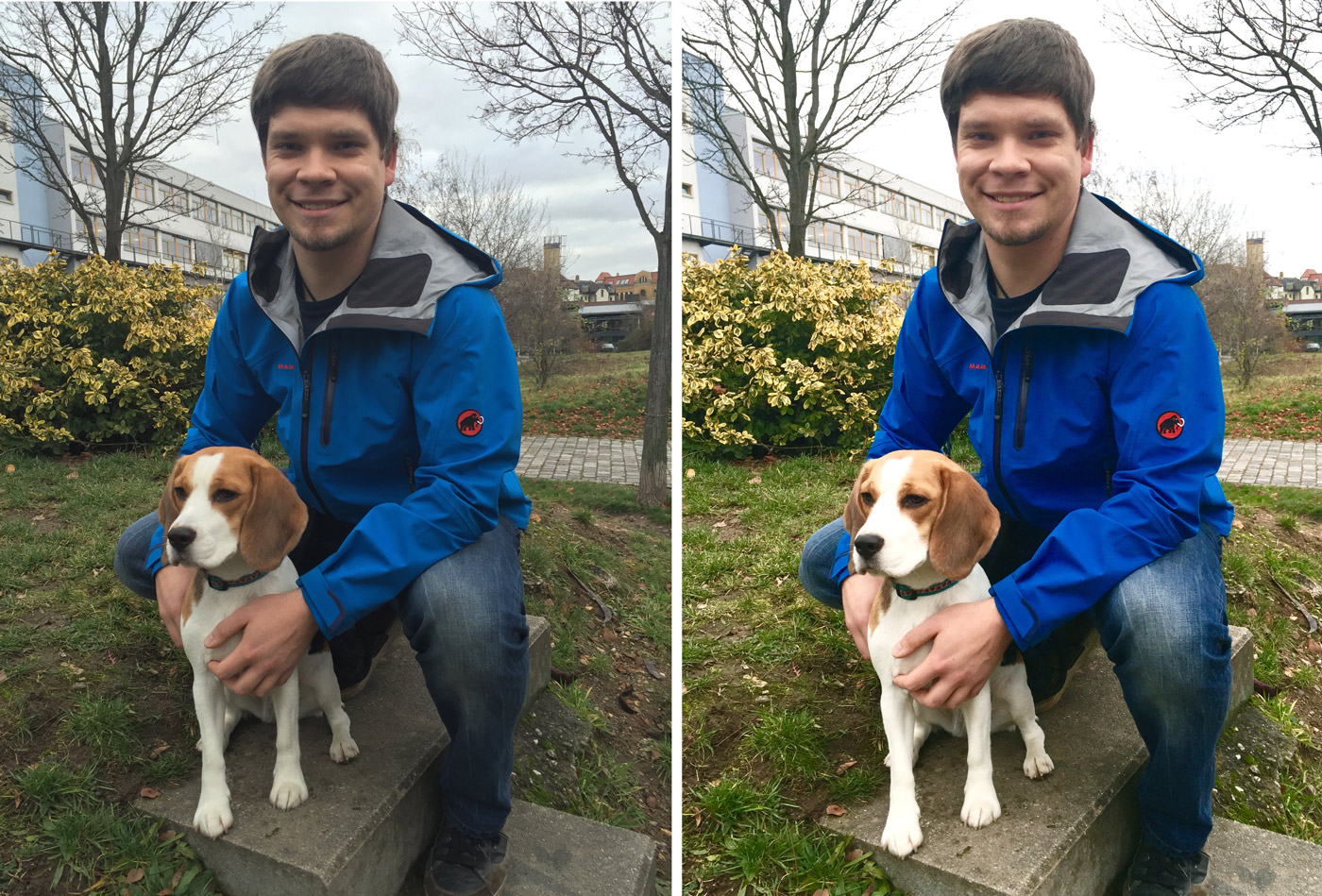
As mentioned before, your phone probably comes with several photo filters. Check out the App Store if not, Instagram or VSCO Cam (amongst many others) offer a host of filter options. There is an immense number of photo filters out there. Try out a few, and stick with the one you like for artistic effect. But be careful: while you may be tempted to always apply the filter that you like best, you may be well advised to use a different filter on other occasions for the sake of getting the best out of the photo.
We recommend the following photo editing apps:
Are you happy with your photo editing results? Then upload it to the T-Shirt Designer and create your own photo gift. Have fun!